
What VINELink Covers in Hardin County
Hardin County's official inmate-information page points the public to Tennessee SAVIN, where all 95 Tennessee sheriffs participate. VINELink is the online interface. A phone route exists as well: 888-868-4631. Participating jails feed it custody events such as release, transfer, escape, and death. It is not a criminal-history search. Court outcomes sit with the clerk, not VINE. The Hardin County Correctional Facility is the usual booking point, but a name can still slip through during fresh intake, quick release, odd spelling, or a transfer. The 2017 TBI operation even showed transport can occur for space reasons. Call the sheriff at (731) 925-3377 to confirm.
How to Check a Hardin County Arrest on VINELink
Start at the official VINELink address and pick Tennessee when the site asks for a state. Hardin County or the listed Hardin facility comes next. Enter a full name or booking number. If several matches appear, compare the booking date, facility, age, and other public identifiers before settling on one.
- Open VINELink and choose Tennessee.
- Select Hardin County or the relevant facility.
- Enter the full name or booking number.
- Compare each match with known facts.
- Open the correct custody record and read its update time.
- Confirm a fresh or uncertain result with the jail.
VINE stops at custody data. For the booking record and court outcome, the Hardin County record guide lays out the steps.
What VINELink Shows After an Arrest
A result can show custody status and the reporting facility. It may list an ID number too. Exact fields shift with the agency's data and the interface.
| Field | How to read it |
|---|---|
| Name and identifier | Use to distinguish similar names |
| Custody status | Current reported state, not guilt |
| Facility | The agency reporting custody |
| Booking number | A reference for jail confirmation |
| Event type | Release, transfer, escape, or another notice |
| Update time | When the source data last changed |
A released status says nothing about the charge itself. For disposition, ask the Hardin County clerk.
How to Register for Custody Alerts
Registration is free and confidential. Phone signup issues a PIN. Choose the event types one person needs, and guard that PIN, since it may be required to confirm or manage notices.
- Open the correct person and facility result.
- Choose the offered release, transfer, escape, death, or other event notice.
- Select phone, email, or another available delivery method.
- Enter accurate contact details and create the phone PIN when prompted.
- Repeat registration for each separate event type needed.
- Update the contact method if it changes.
Never post a registrant's phone number, email, or PIN. Treat every alert as a prompt to call the facility, especially when timing or safety matters.
VINELink Limits and How to Confirm
Coverage has gaps. The service does not promise federal Bureau of Prisons, ICE, or out-of-state cases. A fresh Hardin intake can lag the system. Spelling quirks hide matches, and transfers move people out of the main jail.
Confirm fresh arrests through the same-day arrest workflow.
VINE covers custody events only. The police report describes the incident. The jail record documents intake, and the court record holds the disposition.
Tennessee SAVIN Participation
All 95 sheriffs take part in SAVIN. That statewide reach helps after a Hardin transfer, though the right person and facility must still be chosen. The state association explains SAVIN coverage.
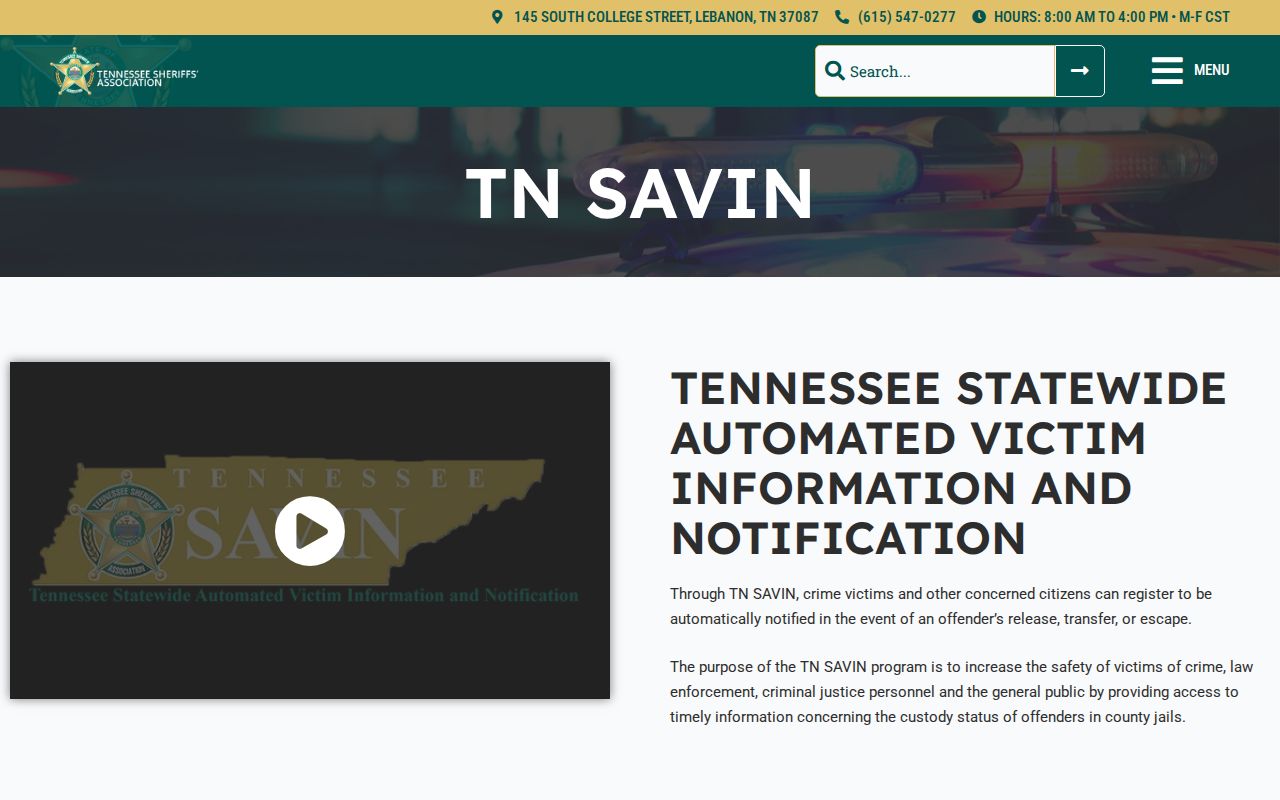
The state page confirms that VINE is a custody-alert service, not a criminal-history database.
Search and Register on VINELink
The VINELink search screen begins the custody check.
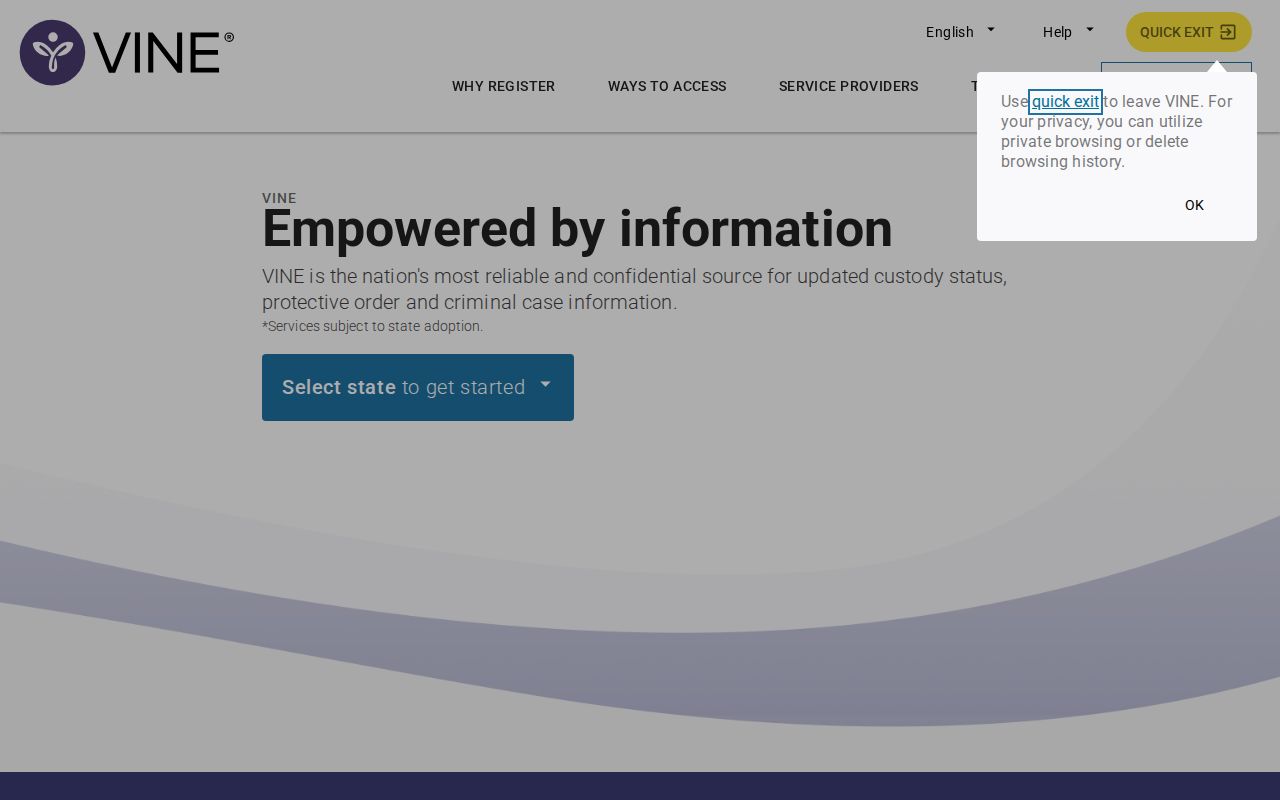
Choose Tennessee and verify identifiers at the official VINELink service.
Guard your PIN and register for each event type separately.
Public Record Search
Sponsored Results